

If a development partner tells me an agent built the new page, I’d ask to see how that page was checked. Chrome announced the stable release of Modern Web Guidance 1.0 on 10 Nov 2026. I would want that evidence before accepting the work.
Based on Chrome’s announcement and public documentation, checked 11 Nov 2026. Recheck the guidance and browser targets before making changes.
Modern Web Guidance is a set of skills that gives AI coding agents web-platform advice and browser compatibility data. Chrome announced stable version 1.0 on 10 Nov 2026. Ask your development partner which guidance the agent used, which browsers it targets, and what testing shows about speed, accessibility, and forms.
What Modern Web Guidance 1.0 adds
Modern Web Guidance is a set of skills a coding agent can look up as it works. Chrome’s getting started documentation says a skill tells the agent to search for and retrieve the guidance that fits the task. The advice covers dialogs, forms, accessibility, performance, and checkout autofill, and is separate from both the model and a tool that runs the finished page in a browser.
Version 1.0 adds a modernization workflow that can scan an existing site for selected legacy patterns, then help the agent plan and make changes. The first release checks only a limited set of patterns, so in my view a clean scan does not mean the whole site is modern or safe.
Chrome says Firefox and Edge have joined the project. That is project participation, which does not establish that every recommended feature already works in every browser. Feature advice follows a stated target, defaulting to Baseline Widely available, with fallbacks where needed (getting started and Baseline). For evidence from a running page, Chrome recommends Chrome DevTools for agents.
Nine questions I’d ask our development partner
These are the questions I would use when reviewing the work. Chrome does not prescribe this list.
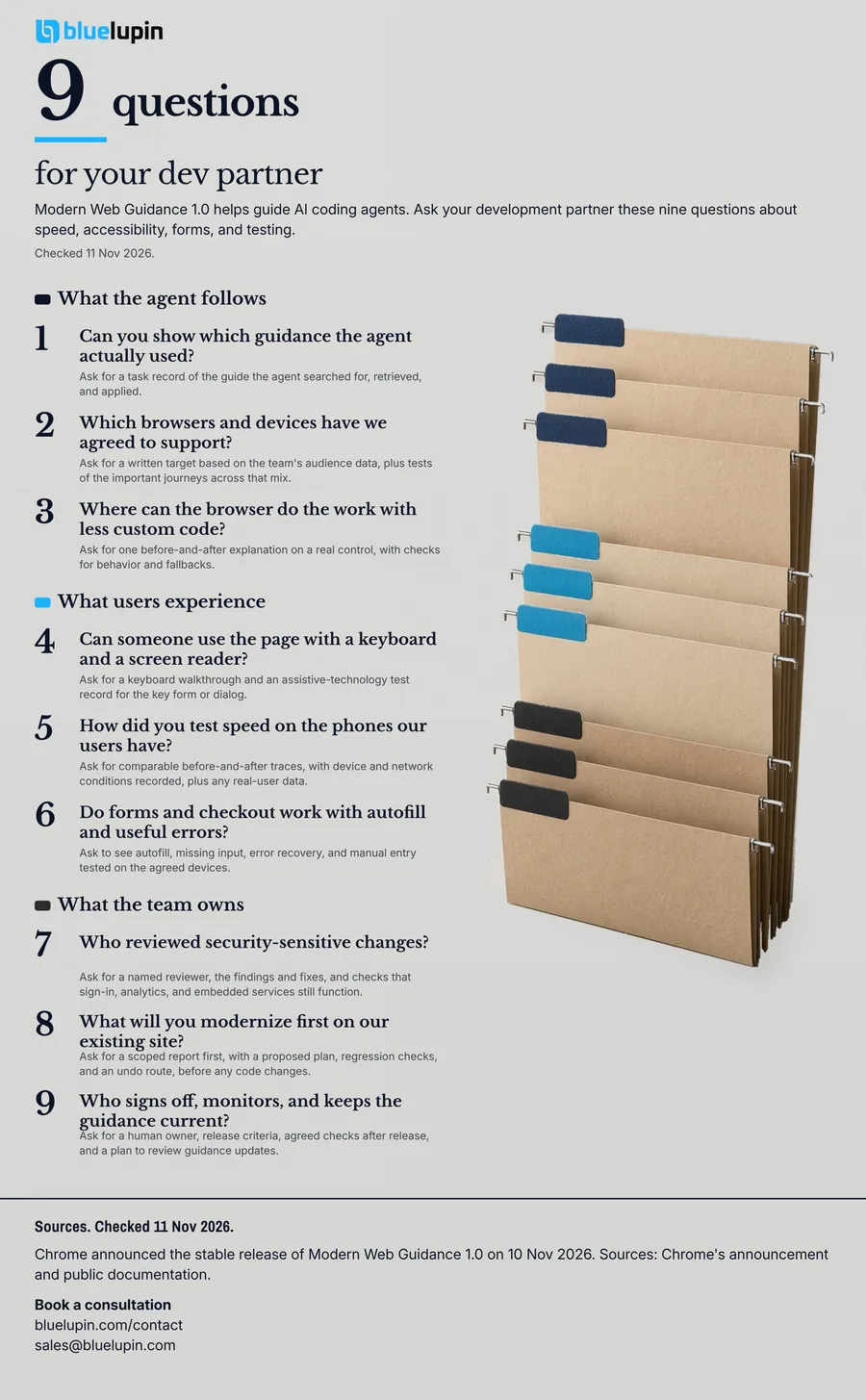
1. Can you show which guidance the agent actually used?
Installing a skill does not prove the agent used it. Chrome’s troubleshooting documentation says agents sometimes ignore the instructions after installation. I would ask for one relevant task record: which guide the agent searched for, retrieved, and applied, how the skill was installed or updated, and the project rule that tells the agent to use it.
2. Which browsers and devices have we agreed to support?
Feature recommendations depend on a stated browser target, and on fallbacks where a feature is not yet supported. If no target is set, the guidance defaults to Baseline Widely available. I would ask for a written target based on the team’s audience data, plus tests of the important journeys across that mix, including Safari, older devices, and any in-app browser the product depends on.
3. Where can the browser do the work with less custom code?
Chrome highlights cases where built-in HTML and CSS can replace some custom JavaScript for dialogs, popovers, or form controls. I would ask for one before-and-after explanation on a real control, with checks for behavior and fallbacks. Replacing a working library still needs a reason, a compatibility review, and tests.
4. Can someone use the page with a keyboard and a screen reader?
The accessibility guide covers focus, labels, errors, and manual testing, and says a high automated score does not guarantee real usability. I would ask for a keyboard walkthrough and an assistive-technology test record for the key form or dialog, including whether focus returns after it is closed.
5. How did you test speed on the phones our users have?
The long-task guide shows how to keep a page responsive, but actual behavior still comes from runtime tools and field measurements. I would ask for comparable before-and-after traces, with device and network conditions recorded, plus any real-user data, covering loading, response to taps, and layout movement (the Core Web Vitals). A Lighthouse score should not be treated as measured Interaction to Next Paint.
6. Do forms and checkout work with autofill and useful errors?
The payment-form guide covers field labels, the right mobile keyboards, autocomplete, persistent hints, and a fallback to manual entry. I would pick the flow the site actually has and ask to see autofill, missing input, error recovery, and manual entry tested on the agreed devices. For checkout, I would use a provider-approved test environment. Good autofill behavior does not prove that payments, UPI, or conversions work.
7. Who reviewed security-sensitive changes?
The security guidance covers the safe handling of content a user supplies, and a staged rollout of a content security policy, meaning browser rules for what may run on the page. For an existing app, it includes report-only checks before a policy is enforced. I would ask for a named reviewer, the findings and fixes, and checks that sign-in, analytics, and embedded services still function. This review does not create a security guarantee.
8. What will you modernize first on our existing site?
The new workflow can scan selected patterns, filter findings in context, and guide the agent through a plan, changes, and tests. The scanner covers part of the guidance catalog, and I did not see a one-click fix-all option in Chrome’s docs. I would ask for a scoped report first, with findings, retained fallbacks, a proposed plan, regression checks, and an undo route, before any code changes. I would start with one important page or component as a pilot.
9. Who signs off, monitors, and keeps the guidance current?
How updates arrive depends on the installation route. The official command-line install can apply automatic updates, while many alternative routes do not. I would ask for a human owner, release criteria, known limitations, agreed checks after release, and a plan to review guidance updates against the site’s support targets. A green agent report is one input to acceptance, alongside how testing changes when agents write code.
What I’d want in the handoff
I would pull those nine questions into three deliverables, as a suggested handoff. It also helps to put the frontend rules in the repository, so the agent has the project’s own standards in view as well as the platform guidance.
| Decision | Evidence to request |
|---|---|
| Browser support | A written target, plus tested journeys across the agreed browsers and devices |
| User experience | Form, autofill, keyboard, and screen-reader checks on the important flows |
| Release | Before-and-after performance evidence, a named owner, and an undo plan |
An Indian example, with the tools kept clear
Chrome’s 10 Nov 2026 case study describes Pensionbazaar pairing Modern Web Guidance with browser verification while it built and checked new pages. That example is from Chrome’s post. It is not Bluelupin work.
Common questions
What is Modern Web Guidance?
It is a set of skills that brings web-platform advice and browser compatibility data into AI coding agents. A skill directs the agent to find and retrieve the guidance relevant to the task.
What changed in Modern Web Guidance 1.0?
Chrome announced the stable release on 10 Nov 2026. It adds a modernization workflow for selected legacy patterns, expanded guidance, and deeper expert review. Firefox and Edge joined the cross-browser project. Scan coverage remains limited.
Does Modern Web Guidance work only for Chrome?
The guidance uses Baseline and browser compatibility data to fit a project’s support target. Edge and Firefox participate in the project. Individual features can still need fallbacks, so your team should test the browsers your users rely on.
How is it different from Chrome DevTools for agents?
Modern Web Guidance supplies advice while code is written or changed. Chrome DevTools for agents lets the agent interact with a running browser and inspect behavior, performance, and errors. Chrome recommends using the tools together.
Can it help modernize an existing website?
Version 1.0 can scan selected legacy patterns and guide the agent through checking findings, planning changes, refactoring, and testing. Its scanner covers part of the guidance catalog. I would review a scoped plan before changes begin.
Does installing it guarantee accessibility or better performance?
No. Chrome documents cases where agents ignore guidance, and its accessibility guide calls for real testing. Ask the partner for browser checks, keyboard and screen-reader testing, and comparable performance evidence for important journeys.
If your team is using coding agents on a website or portal, Bluelupin can help with web application and portal development and quality engineering checks. Bring the pages, browser targets, and user journeys you want to review. Book a consultation or write to sales@bluelupin.com.